Le-Koro Dance Party
Published
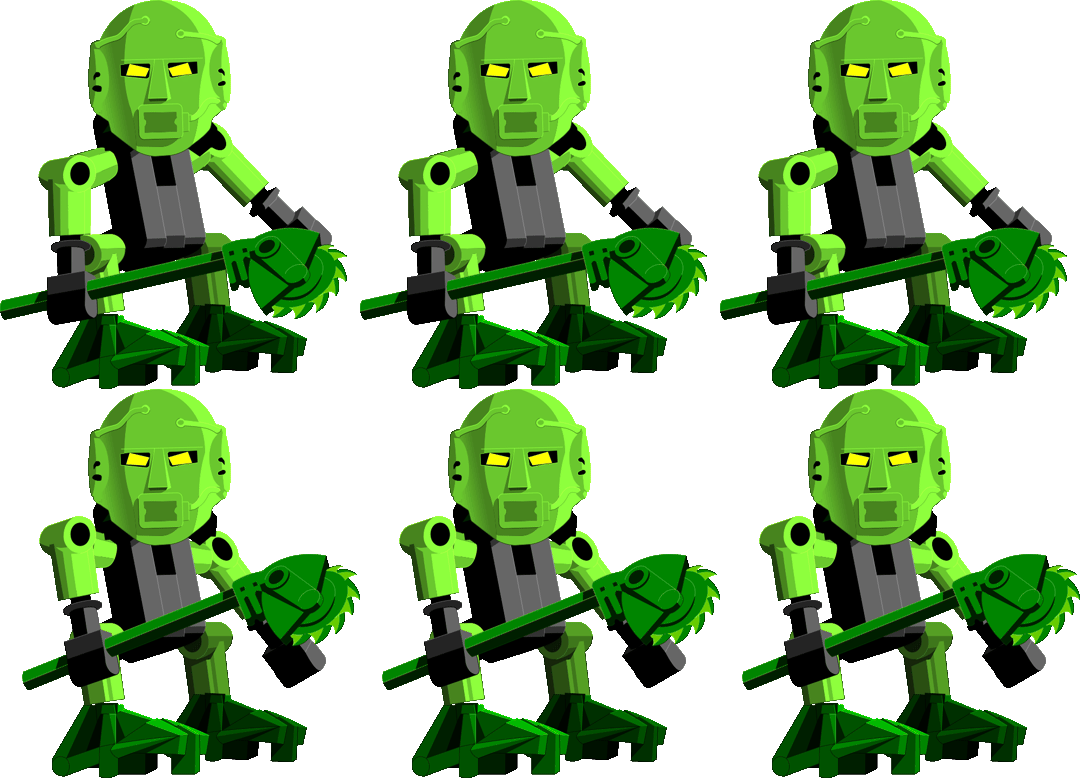
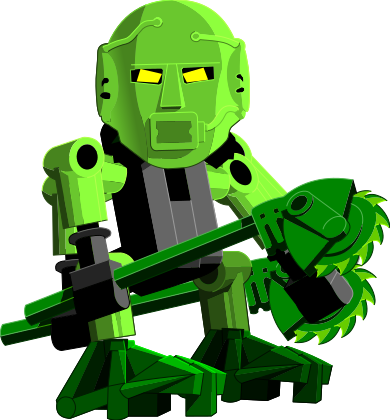
With my bonkle-obsessed girlfriend continuing to (lovingly) force the brain-rot onto me, I have now been nerd-sniped into a few things regarding the MNOG games. First, I wanted a higher quality (ideally vector) version of the super fast dancing Le-Matoran!

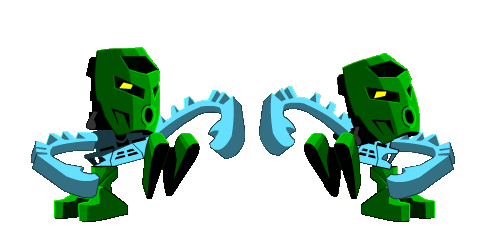
(An earlier version of this work was published on my Tumblr.)
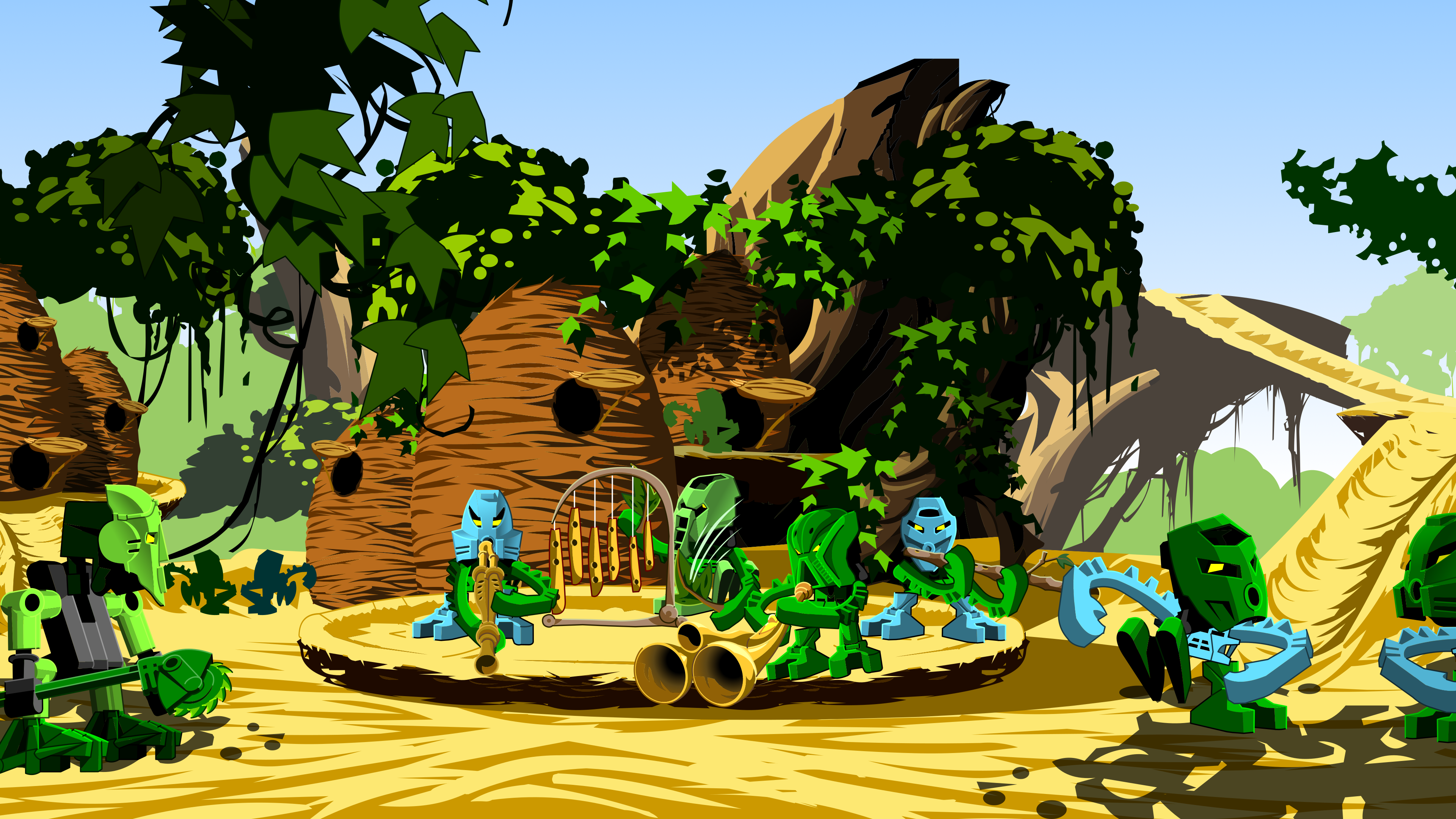
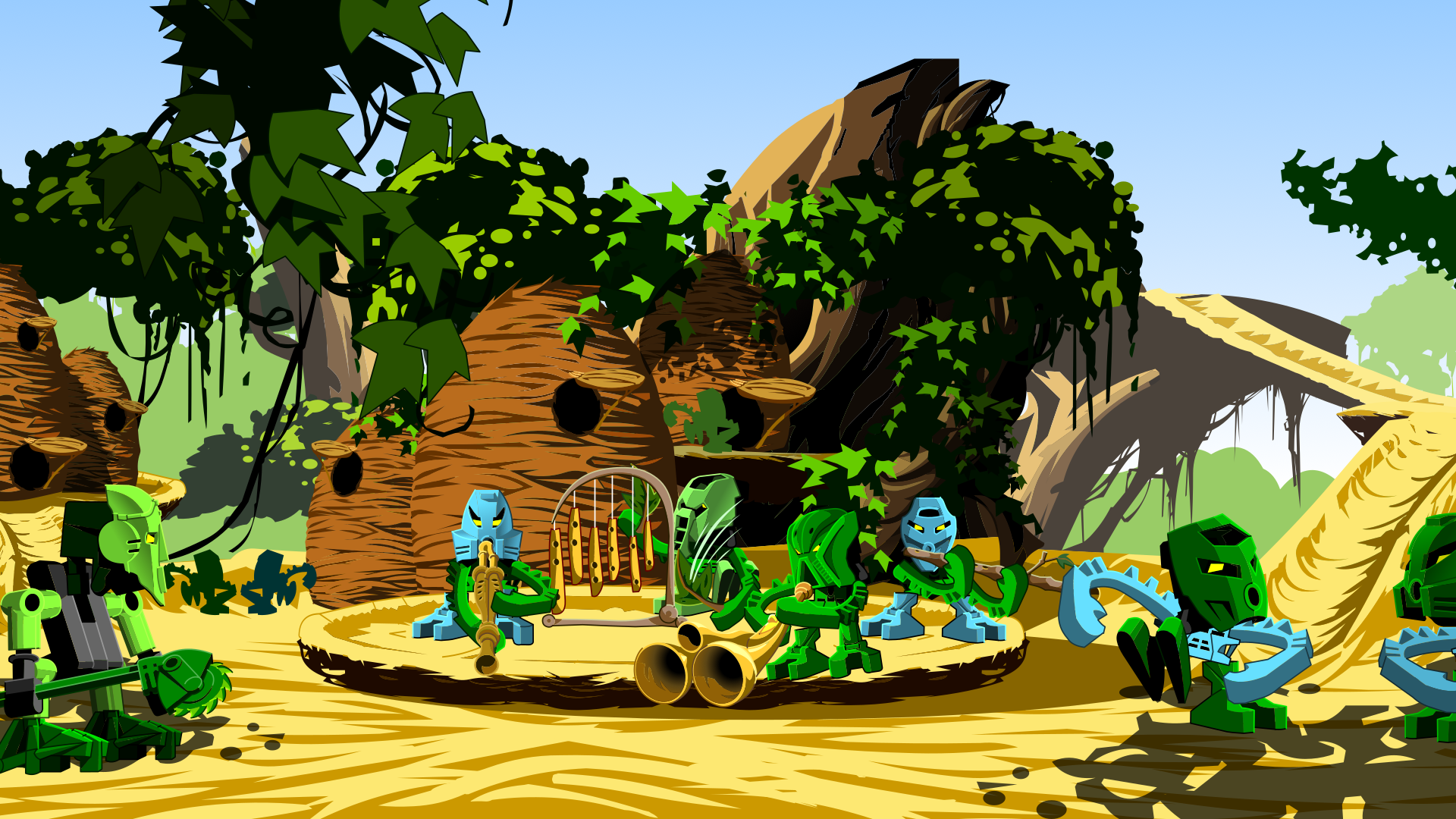
I ended up making a lot more than just that one GIF. You can now get a Signal sticker pack, Discord-ready downloads for your own servers, cropped SVGs, and a desktop wallpaper.
Wallpaper

Tuuli Dance

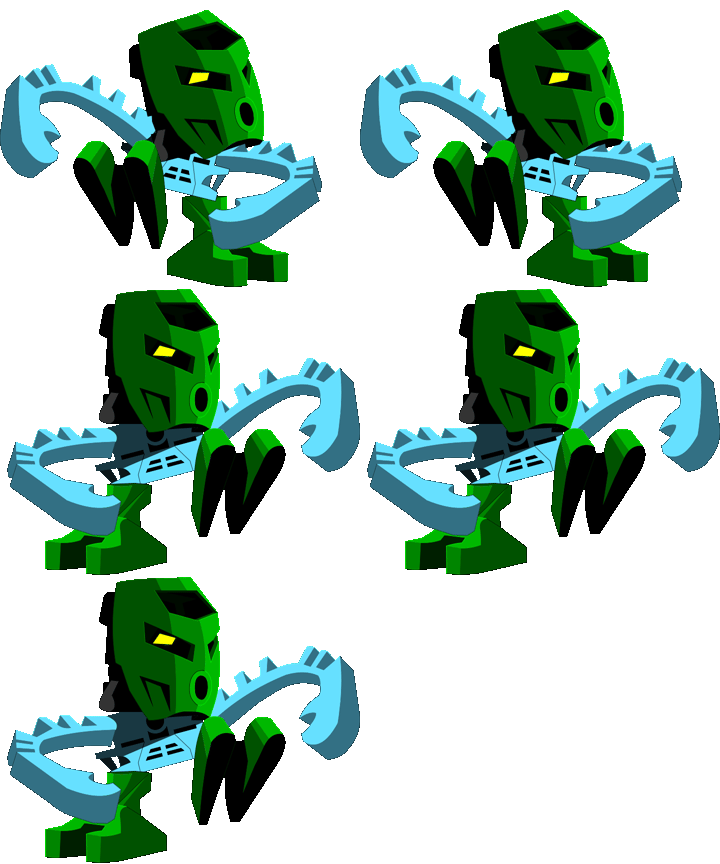
- Discord Sticker
(32.3 KB
.apng) - SVG
(45.1 KB
.svg)
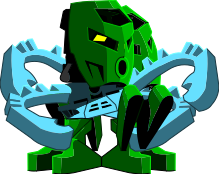
Tuuli Dance (Fast)

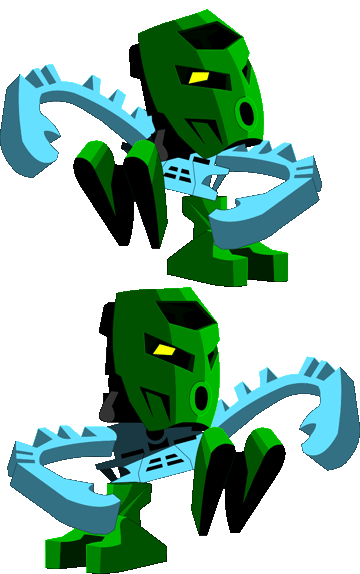
- Discord Sticker
(32.0 KB
.apng) - SVG
(45.1 KB
.svg)
Taipu Bounce

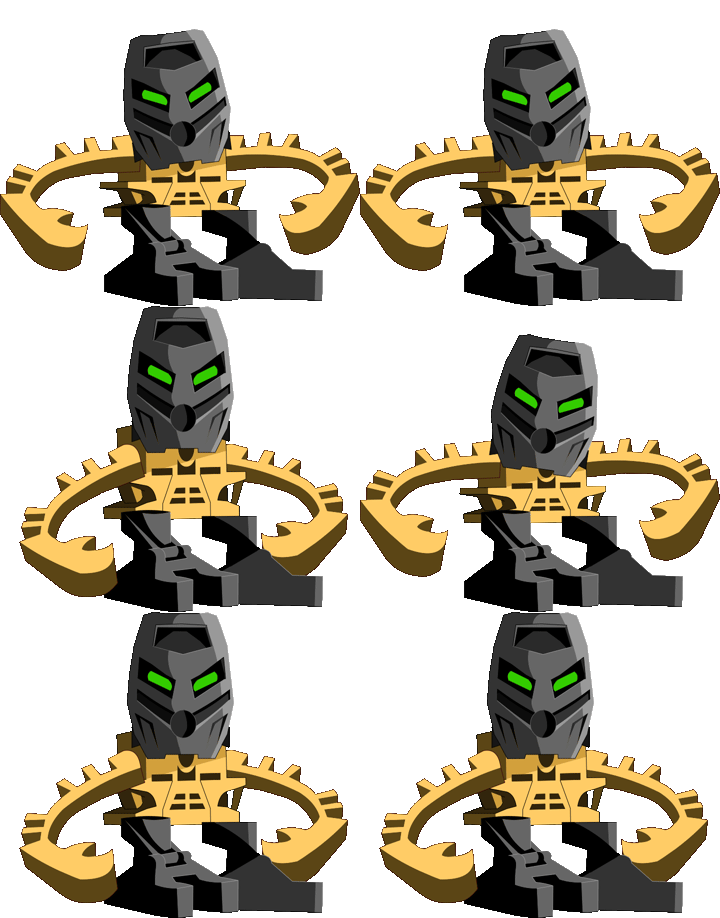
- Discord Sticker
(54.8 KB
.apng) - SVG
(60.6 KB
.svg)
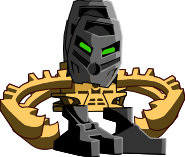
Matau Shimmy

- Discord Sticker
(40.4 KB
.apng) - SVG
(104.6 KB
.svg)
How to obsess over details
The rest of this blog post is mostly intended for me to remember how to do this, but also catalogues how I overcame some problems and which tradeoffs my solutions have.
So, vaguely remembering that Flash animations are vector graphics, I thought it must be possible to extract SVGs from them. And thanks to the JPEXS Free Flash Decompiler, I was relatively easily able to do just that! I could also manually inspect the frame timings to be able to perfectly recreate the animations.
After digging through the files, I eventually found XVIII.4-S.swf, which contains the Le-Koro dance party. From that file I started extracting the titular Play1 animation loop for
Tuuli (sprite 154). But as I got going, I thought “why not extract some other loops as well?”. So I also extracted the sprites for a bouncing
Taipu (sprite 165), and eventually also got
Matau’s shoulder wiggle from XVIII.4D.swf (sprite 28). Although Matau was structured more complicated, requiring some manual reordering of parts of that animation, copying the sprite placements from later frames and appending them to frame 1.
When exporting it is important to export the full frame (in the frames folder), so that everything is scaled and positioned correctly. Open the SVGs in
Inkscape, delete all the parts I don’t need, and unlink copies to get editable paths. For proper alignment of frames, import the additional frames as pages, and then overlap those pages with snapping enabled.
Here is where I hit a bit of an issue with line widths. In MNOG, the lines widths for all the parts of all the sprites I exported are set to 1 unit. (Yes, I manually checked them because of the next part.) After exporting to SVG, the line widths are set to 1 pixel. (The actual values after exporting are actually slightly different due to scaling in the scene, but that ended up not mattering.) Now I suspect this might also be a unit mismatch with a factor of 20, because the SVG has much thicker lines, but that can easily be corrected. But after correcting, a much bigger issue appeared.
Flash apparently always renders lines with a thickness of at least 1 pixel, while SVG has no problem going thinner. I could have manually scaled the cropped SVG to the correct resolution and then manually clamped every single line to 1 pixel. But I didn’t want to. So I skipped all that and just set every line to Hairline in Inkscape. This can theoretically produce too thin lines, but because all lines started at 1 unit thickness, and all the sprites had to be effectively enlarged to fill the export area, I believe it’s close enough.
Now, to actually get PNGs, export the Document with “Export Selected only” checked to get everything properly cropped and sized. Then doing some padding in the image editor of my choice, an FFmpeg invocation to get APNGs (18 fps) with indexed colors, and finally
apngopt -z2 to further compress them, I had my files!
yippie